
MESHSIMPLIFY command
Simplifies a mesh to reduce its size.

Icon:
Method
Select the mesh to simplify. The Simplify meshes command context panel opens.
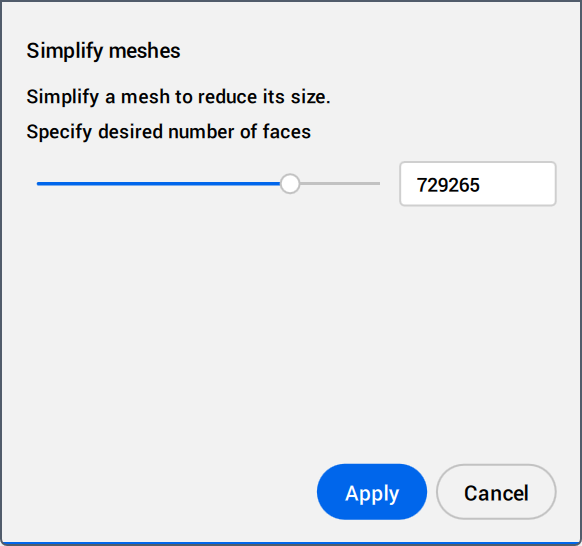
Specify the target number of faces by using the slider or the value field in the Command context panel. A preview of the mesh displays in the model space after the value change.
Click Apply to recreate the mesh.
Note: The options within the command context panel reflect the options within the Command line.