SELECTCONNECTEDSOLIDS command
Selects all solids in a model that are connected to a selected face.

Icon: 
Method
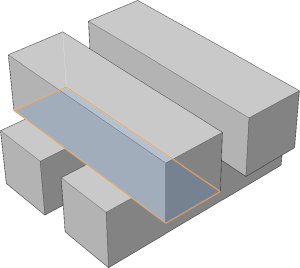
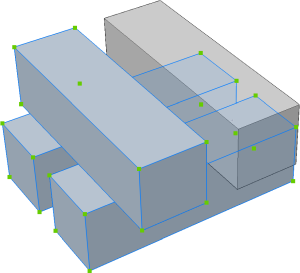
Select a face. The program selects all solids that are connected to the selected face, shown outlined.

Selects all solids in a model that are connected to a selected face.
Icon:
Select a face. The program selects all solids that are connected to the selected face, shown outlined.