SMJUNCTIONSWITCH command
Allows changing a symmetrical junction feature to one with overlapping faces.

Icon: 
Method
Select the junction face (left side picture) and see how the junction is transformed (right side picture).
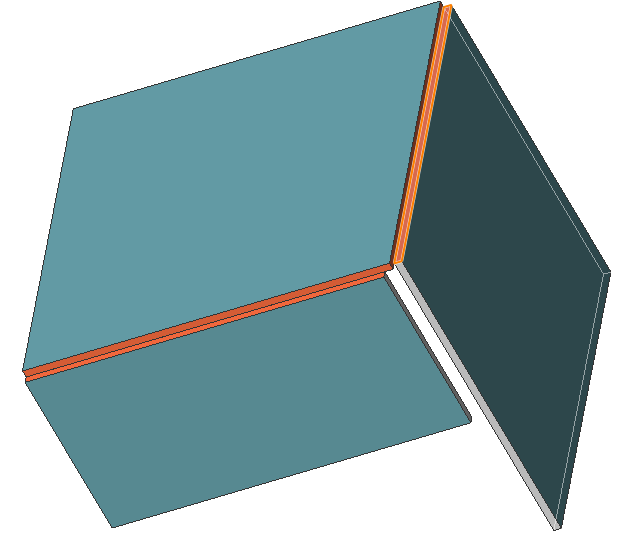
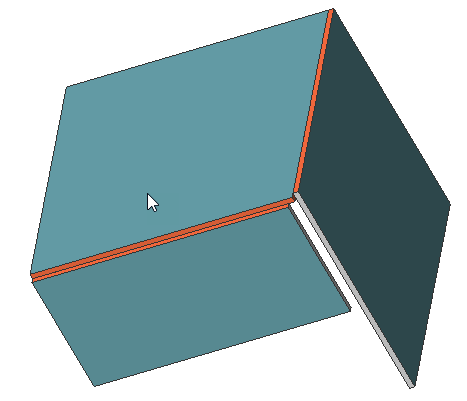

Allows changing a symmetrical junction feature to one with overlapping faces.
Icon:
Select the junction face (left side picture) and see how the junction is transformed (right side picture).