
Manage attributes dialog box
Opens via: Export To GIS dialog box > Attribute data section > Manage attributes... button
The Manage attributes dialog box selects which GIS attribute data and CAD properties to include in the export.
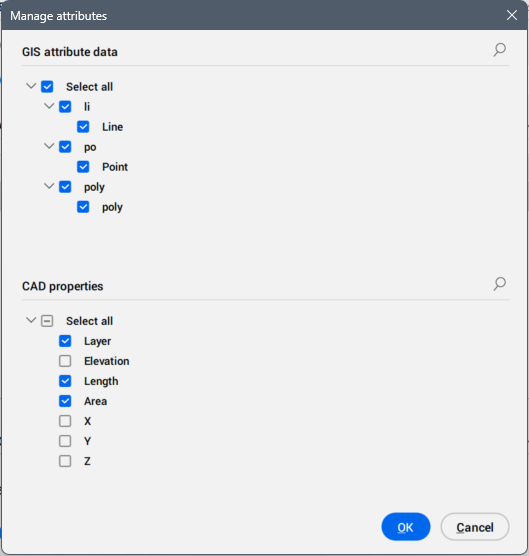
GIS attribute data
Select the GIS attribute data to include in the export.
- Expand all or Collapse all button
- Expands or collapses all nodes in the tree view.
- Select all button
- Selects all entities in the tree view for export.
CAD properties
Selects CAD properties to include in the export.