
CONFIGURACIONES comando
Abra el cuadro de diálogo configuración.

Ícono: 
Descripción
Abre el cuadro de diálogo Configuraciones para ver y modificar las variables del sistema.
- Cuando la variable de sistema se cambia a un valor distinto del valor predeterminado, se marca con un punto azul.
- La mayoría de las variables del sistema, pero no todas, están disponibles en el cuadro de diálogo Configuración . Puede modificar todas las variables del sistema utilizando el comando MODIVAR.
In the Settings dialog box, you can change values of system variables and user preferences.
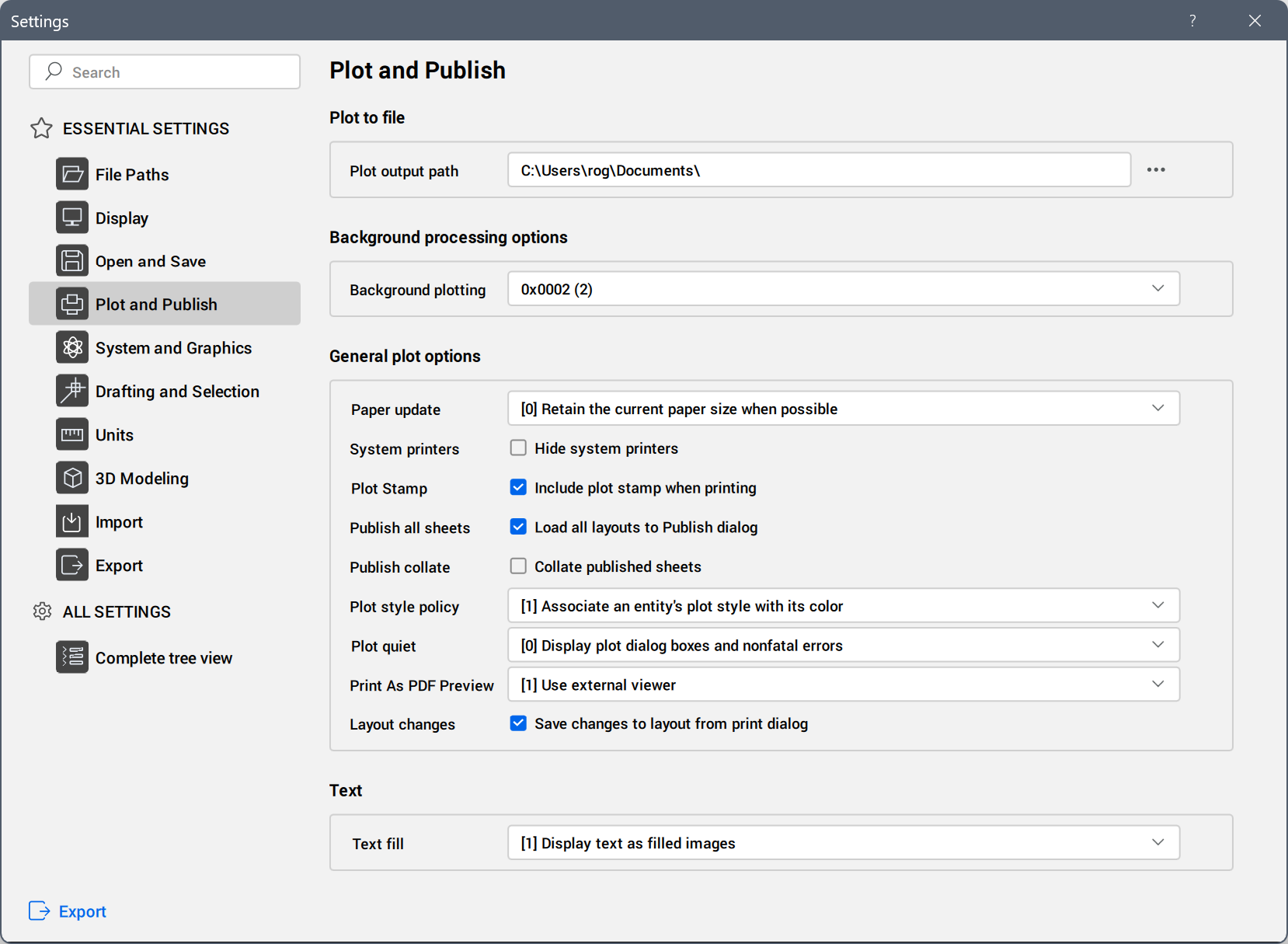
Search bar
Lists variables through a real-time search field when entering letters of their names or descriptions.
ESSENTIAL SETTINGS
Lists frequently used settings grouped under categories.
Click a category to display the corresponding settings or subcategories. If subcategories are present, click one to display the corresponding settings.
ALL SETTINGS
Lists settings in the Complete tree view category.
- All settings
- Lists all settings in a tree view.
- Modified settings
- Lists all settings whose values are different from the default marked with a blue bullet.
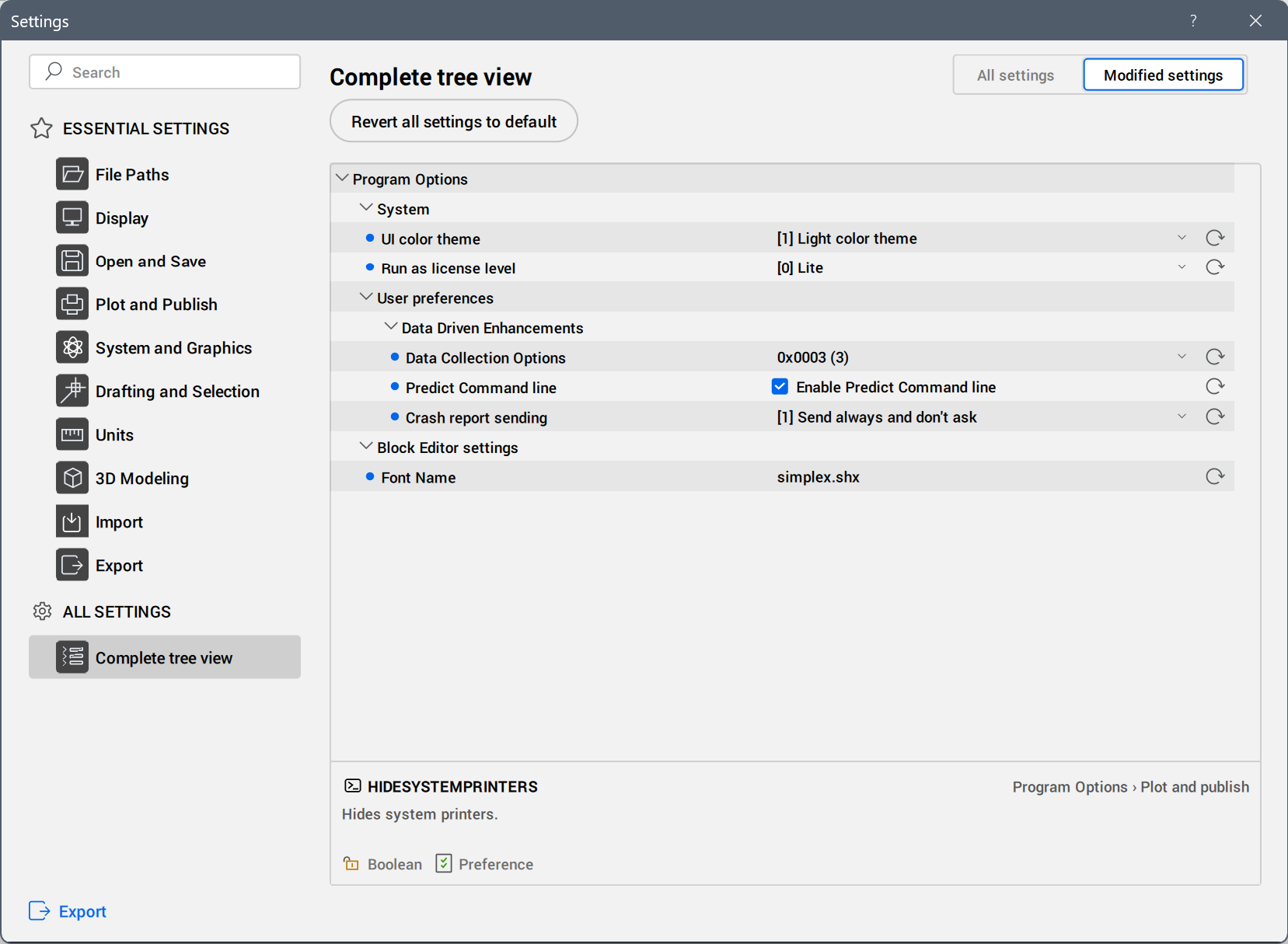
Click a setting to display the setting info at the bottom of the dialog box.
To revert the value of a modified setting to default, press the Revert setting to default value (
 ) button next to the setting value field.
To revert the values of all modified settings to default, press the Revert all settings to default button.
Export
Opens the Export Settings dialog box to save all settings and values to an CSV file.