Cambia URL per entità (finestra di dialogo)
Si apre tramite: Comando CHURLS (Express Tools)
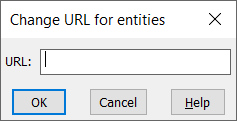
La finestra di dialogo Cambia URL per entità consente di cambiare l'URL precedentemente collegato alle entità.

Si apre tramite: Comando CHURLS (Express Tools)
La finestra di dialogo Cambia URL per entità consente di cambiare l'URL precedentemente collegato alle entità.