Online activation (Network license)
The BricsCAD license activation requires an internet connection.
Steps for Online activation
- Open the BricsCAD Network License Manager (click the shortcut on the desktop or in the operating system Start menu).
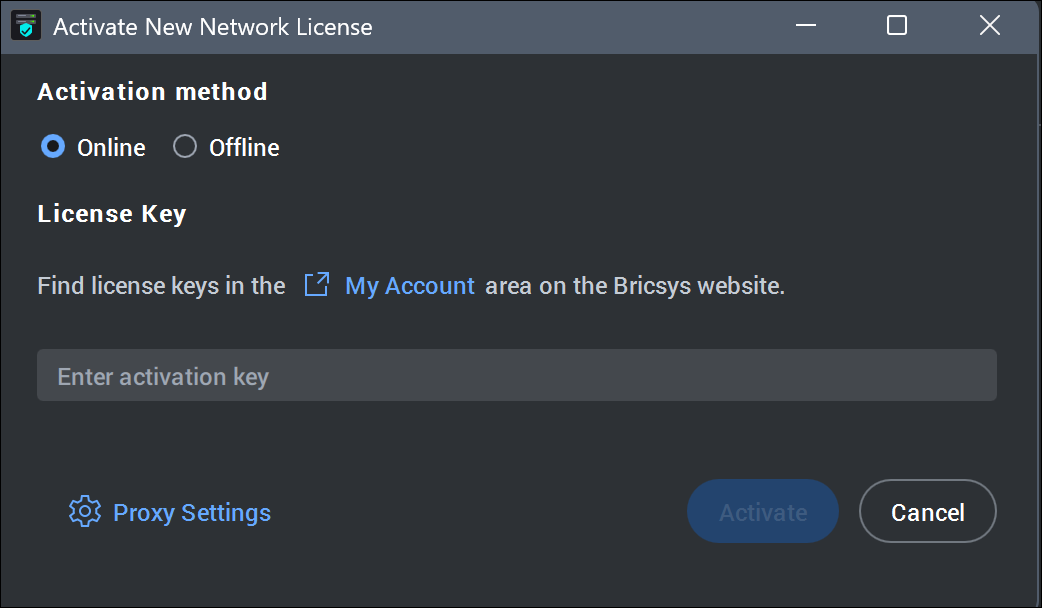
The Activate New Network License dialog box opens.
- Enter the network license in the Enter Activation key field and click Activate.
Use the license key from your Bricsys account. See also the Where can I find my licenses? article.
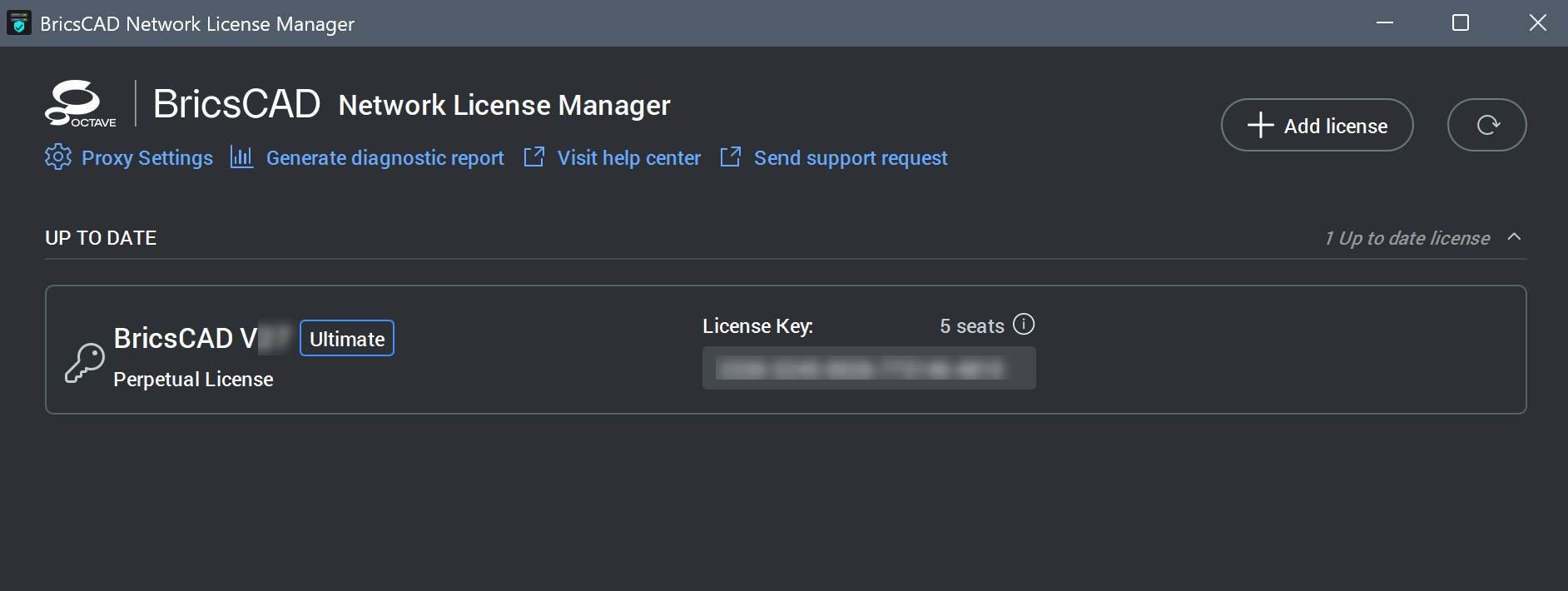
 Note: If an active license is detected on your system, the BricsCAD Network License Manager dialog box opens.
Click the Add License button to open the Activate New Network License dialog box.