
MEASURE command
Places points or blocks along entities at equally-spaced specified distance.

Icon: 
Method
Specify the entity you want to measure and enter a block distance value or insert a block. On the entity the points are places at equally-spaced specified distance.
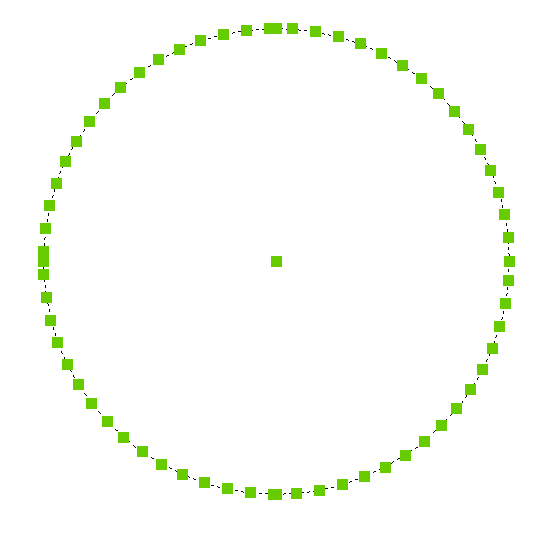
Note: Points are usually invisible, so use the PDMODE system variable to make them larger.
Options within the command
- Insert block
- Inserts a block instead of a point. You can specify the name of the block or use ? to list available blocks.