
Import Page Setups dialog box
Opens via: PSETUPIN command
The Import Page Setups dialog box allows you to select one or more user defined page setups (using the Ctrl key) from the list and import them into the current drawing.
Note: Only user defined page setups can be imported. Default page setups such as the Model tab or Layout tabs, cannot be renamed or imported.
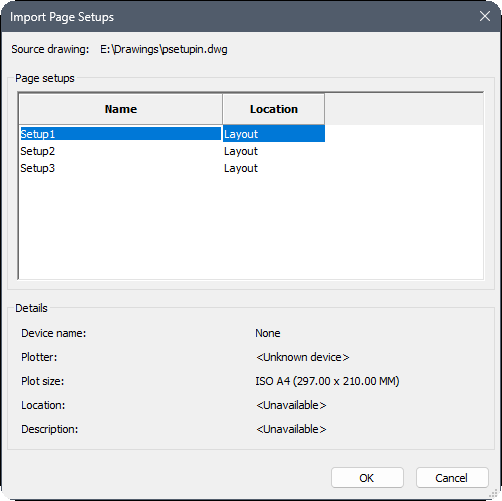
Source Drawing
Displays the source of the drawing used to import the page setup(s).
Page setups
Specifies the name and the location of each page setup from the list:
- Name: specifies the names of page setups in the drawing. When the drawing does not contain page setup, the dialog box is empty.
- Location: specifies the layout and model locations of page setups.
Details
Includes information about the device name, plotter, plot size, location and a description field.