
Log in with your account
You can log in to your BricsCAD account using the:
- -LOGIN command.
- Log In tab from the Start page.
- Yes, sign me up button in the BricsCAD Analytics Program dialog box.
The Log in with your account section on the BricsCAD website allows you to log in to your BricsCAD account.
Log in with your account
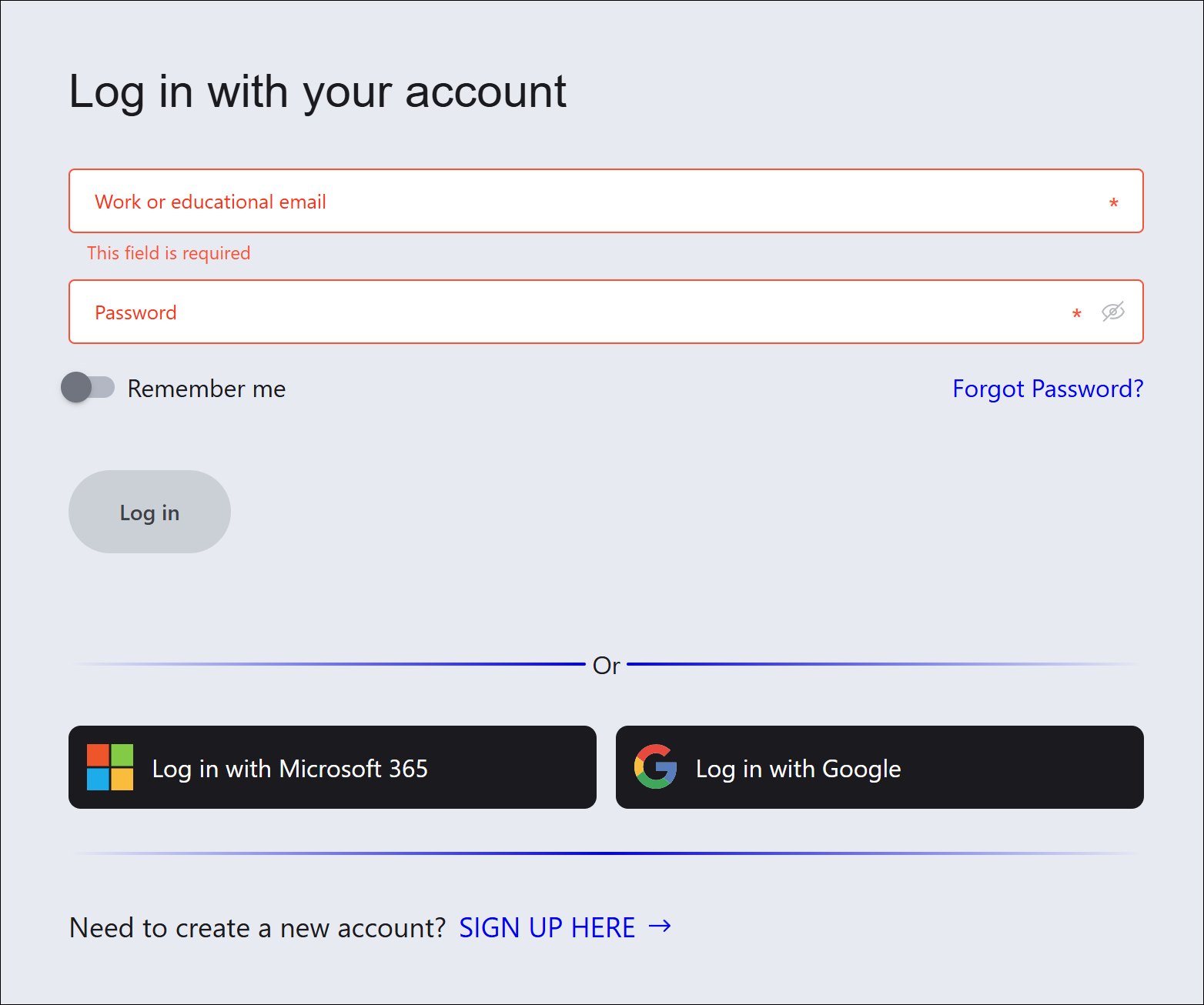
Work or educational email
Specifies the email address connected to your BricsCAD account.
Password
Specifies the password.
Remember me
Saves your login details for a future use.
Forgot password?
Redirects you to an internet browser to set up a new password.
Log in
Logs you in with your BricsCAD account.
Note: If your log in is successful, a Successfully logged in message displays.
Log in with Microsoft 365
Allows you to log in with a Microsoft 365 account.
Log in with Google
Allows you to log in with a Google account.
SIGN UP HERE
Redirects you to an internet browser to set up your BricsCAD account.