
POINTCLOUDFITPLANAR comando
Crea una superficie plana o un sólido a partir de un punto de nube de puntos.

Ícono: 
Método
El comando busca en una nube de puntos un conjunto denso de puntos coplanares alrededor del/de los punto(s) de origen seleccionado(s) y crea una superficie plana o un sólido si es posible.
Puede crear varias superficies o sólidos hasta que cancele el comando.
Este comando abre el panel contextual del comando Ajuste Planar de Nube de Puntos.
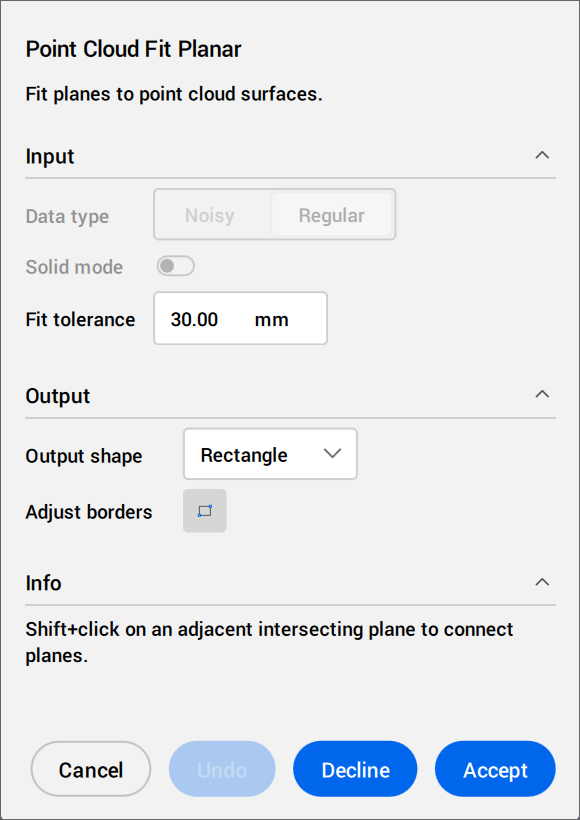
Siga las instrucciones que aparecen en la sección Info. Ajuste la configuración en las secciones Entrada y Salida.
Opciones dentro del panel contexto de comando
- Entradas
- Especifica los ajustes de entrada.
- Tipo de datos
- Solo disponible en vista modelo.
- Ruidoso
- Realiza una detección robusta para datos gruesos o ruidosos. Requiere seleccionar tres puntos de inicio.
- Normal
- Realiza una detección de datos normal. Requiere seleccionar un punto de inicio.
- Modo sólido
- Solo disponible en vista modelo.
Busca un plano paralelo en la nube de puntos (por ejemplo, un muro o una losa) para crear un sólido.
- Desactivado: Desactiva el cálculo de datos en modo sólido para ahorrar tiempo.
- Encendido: Permite el cálculo de datos en modo sólido.
Nota: El Modo sólido solo está disponible en la vista modelo, si se detecta un área densa en un plano que es paralelo a la superficie detectada.
- Tolerancia de ajuste
- Establece un valor de tolerancia para el ajuste del plano.
- Burbujas de cambio
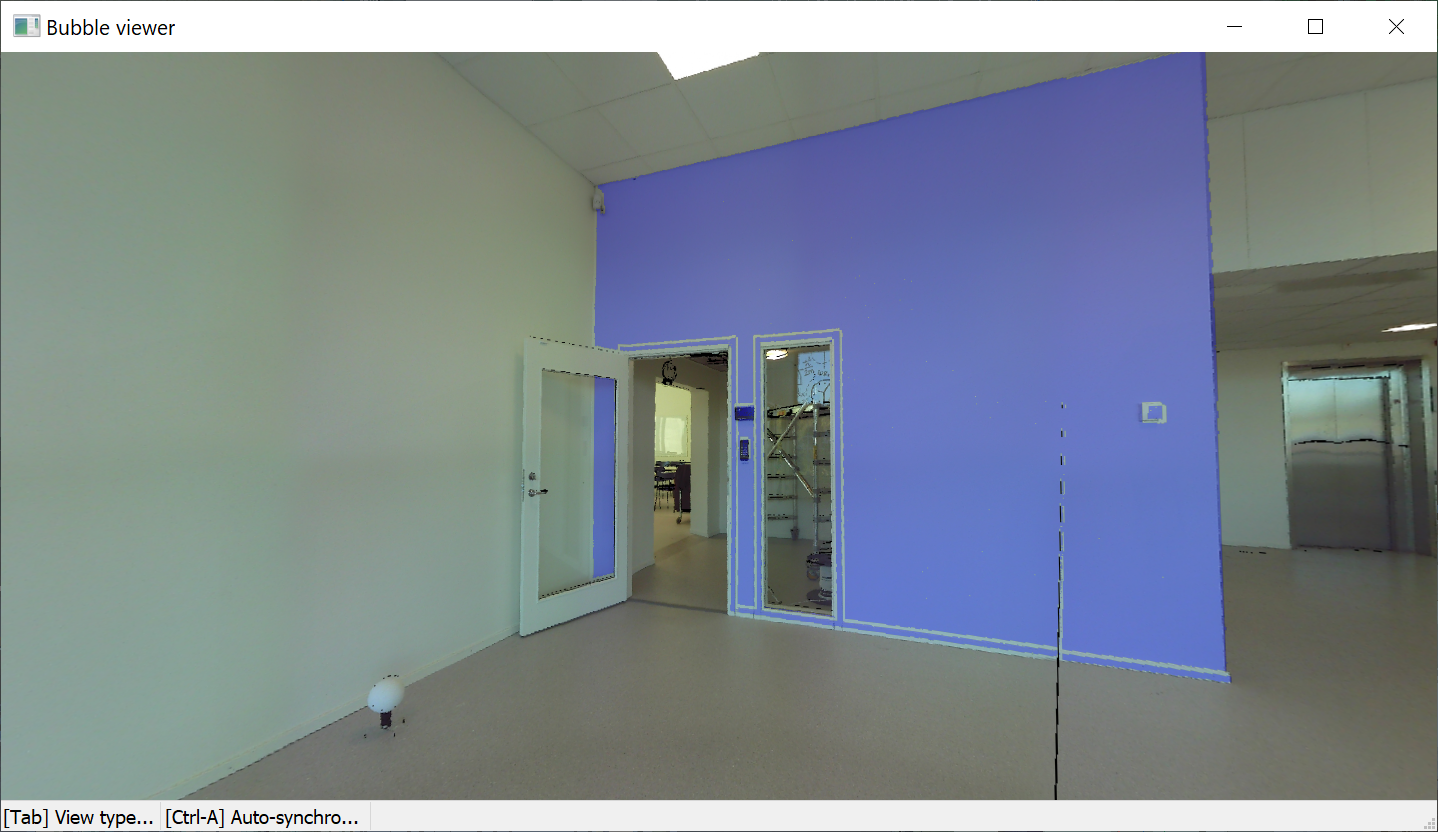
- Sólo está disponible en el modo burbuja.
Cambia entre los visores de burbujas. Selecciona en la vista de modelos la burbuja para cambiar.
- Salida
- Especifica los ajustes de salida.
- Forma de salida
- Lista las opciones de forma de salida.
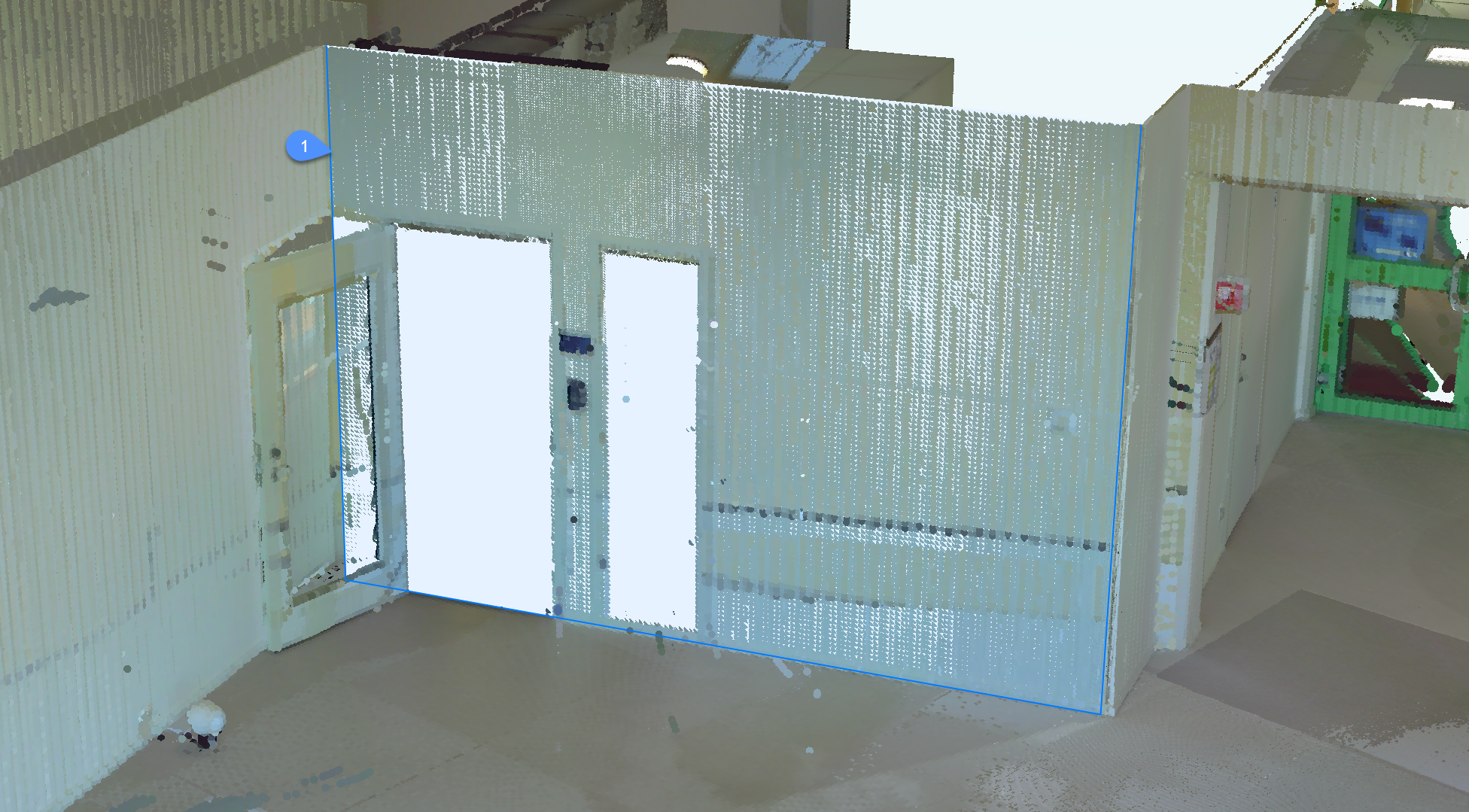
- Rectángulo
- Crea un único plano alrededor del punto seleccionado, con un borde exterior rectangular.
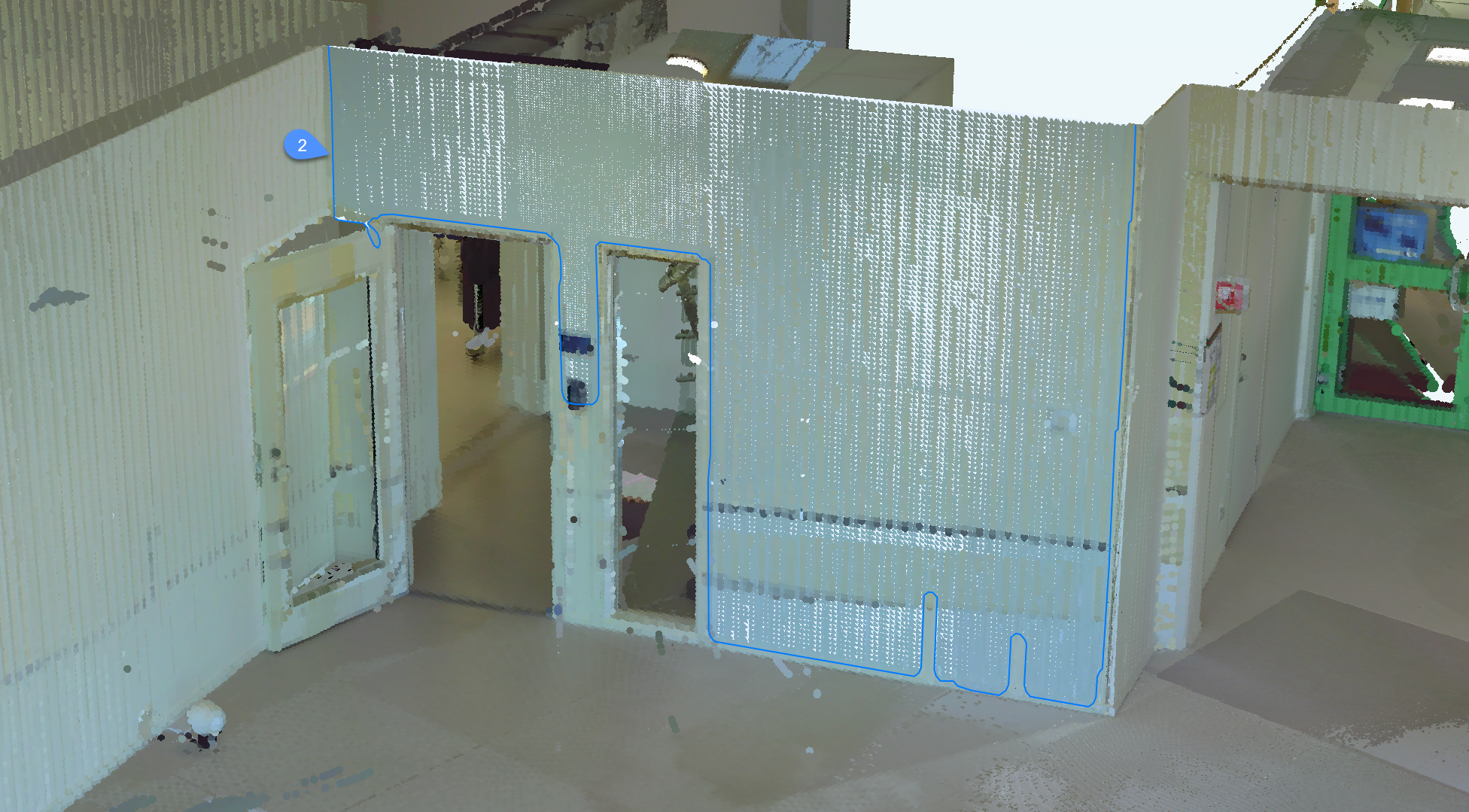
- Contorno
- Crea un único plano alrededor del punto seleccionado, con un borde exterior contorneado.
- Sólido
- Crea un sólido cuboide con una cara que contiene el punto de inicialización especificado y un segundo plano cercano detectado automáticamente .
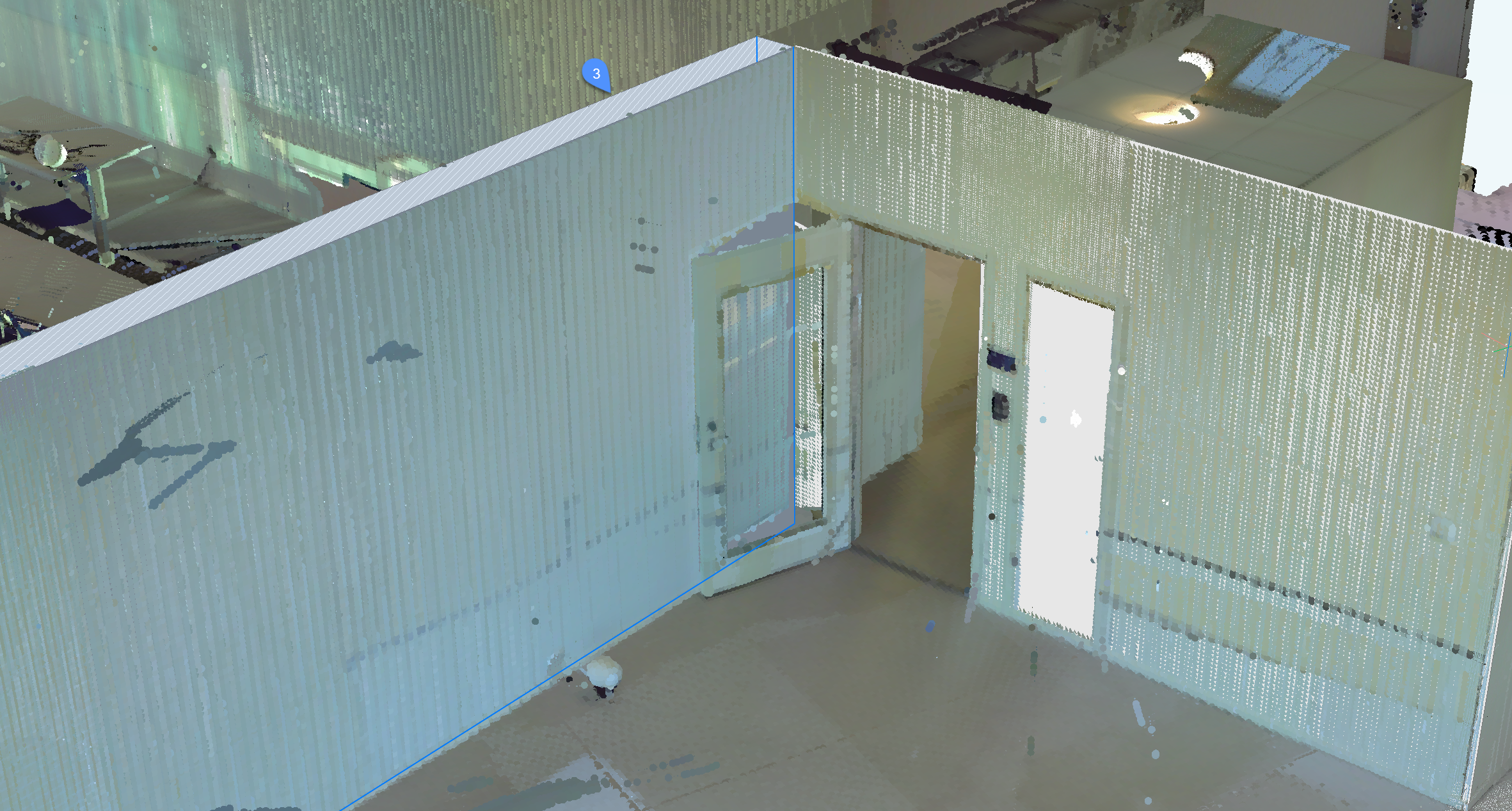
Nota: Pulse Ctrl para cambiar entre los modos disponibles.
- Ajustar los bordes
- Define un nuevo borde para el plano seleccionado especificando los vértices. Seleccione los vértices del borde.
- Seleccionar apertura
- Sólo está disponible en el modo burbuja.
Crea una abertura seleccionando un punto sobre una abertura de una superficie.
- Cancelar
- Finaliza el comando.
- Deshacer
- Elimina la superficie añadida más recientemente del conjunto de selección actual. Utilice la opción Rechazar para eliminar el conjunto completo.
- Disminución
- Declina la superficie plana o el sólido actual.
- Aceptar
- Acepta la superficie plana o el sólido actual.
Opciones en la línea de comandos
- Superficies de puntada
- Costura las superficies adyacentes seleccionadas en el modo de selección rápida. Nota: La selección rápida se activa manteniendo pulsada la tecla Mayús.