
Proxy settings for a Network license server
Configuring the proxy settings
The Network license server requires an Internet connection to activate or update the licenses it hosts. If a proxy server is required for this connection, configure the proxy settings on the Network license server computer.
Note: Proxy settings do not apply to the connection between the client computers and the Network license server.
To configure the proxy settings complete the necessary fields in the dialog box.
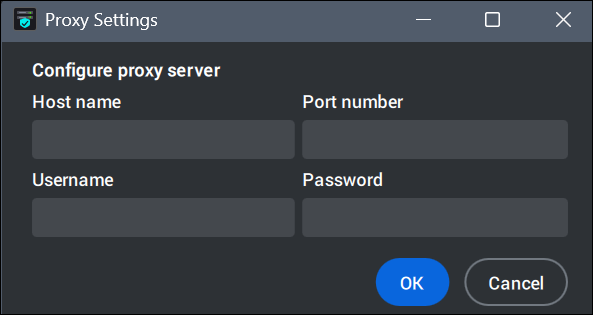
The proxy server is configurable from the:
- The Proxy Settings button in the dialog box.
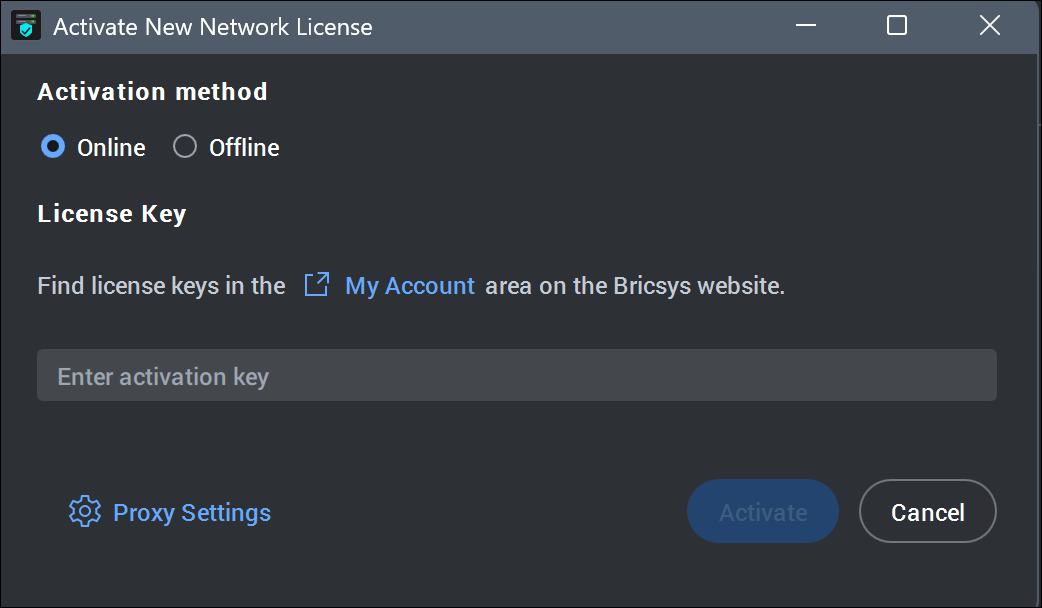
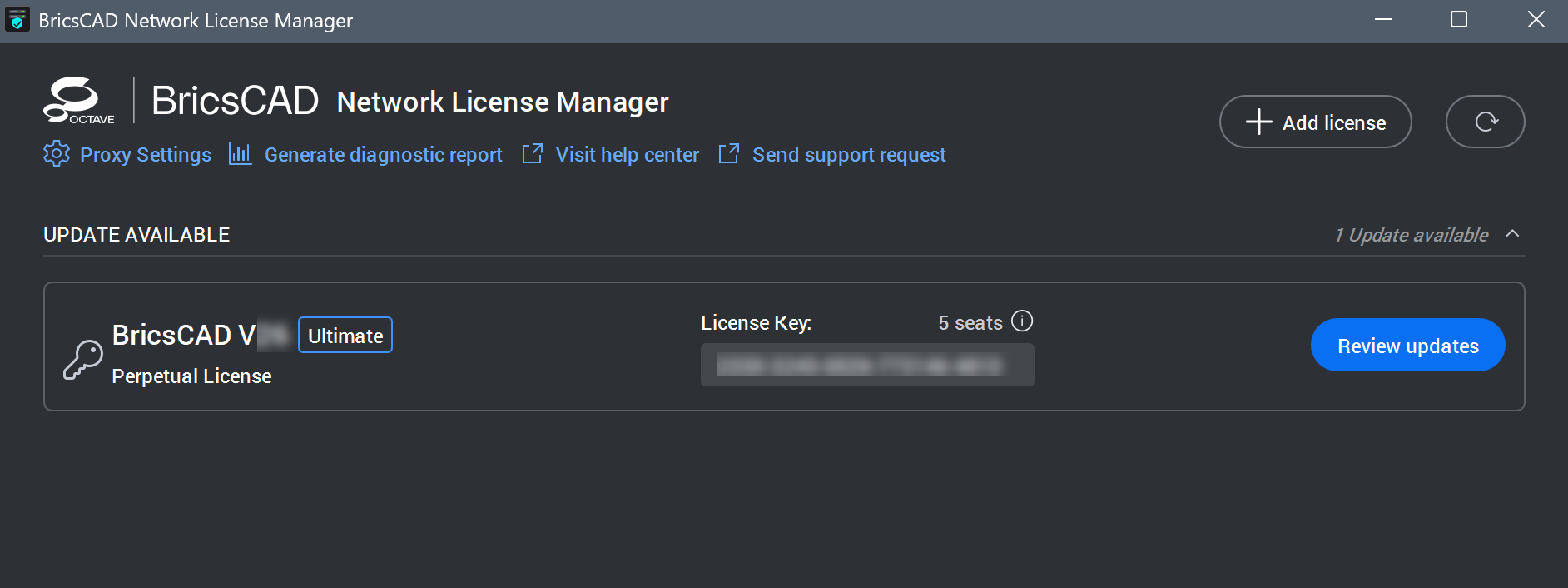
- The Proxy Settings... button in the BricsCAD ネットワークライセンスマネージャー.
Configuring the proxy settings permanently
To configure the proxy settings permanently, proceed as follows on the computer running the BricsCAD ネットワークライセンスマネージャー:
- Create the HTTP_PROXY variable:
HTTP_PROXY=[ProxyServerHostName]:[PortNumber]. - (Optional) If the proxy server supports basic authentication, create the HTTP_PROXY_CREDENTIALS variable:
HTTP_PROXY_CREDENTIALS=[UserName]:[Password]. - Restart the RLM service from OS Services.