
3D entity snaps
3D entity snaps allow you to specify a precise location on entities when prompted to select one or more points during a command.
General
3D Vertex
Enables the cursor to snap to the closest vertex of a 3D entity and the control vertices of splines.
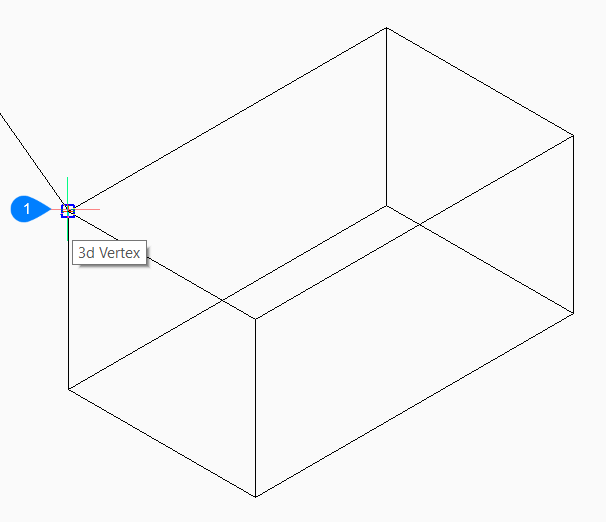
- Vertex 3D entity snap.
3D Midpoint
Enables the cursor to snap to the midpoint of 3D edges.
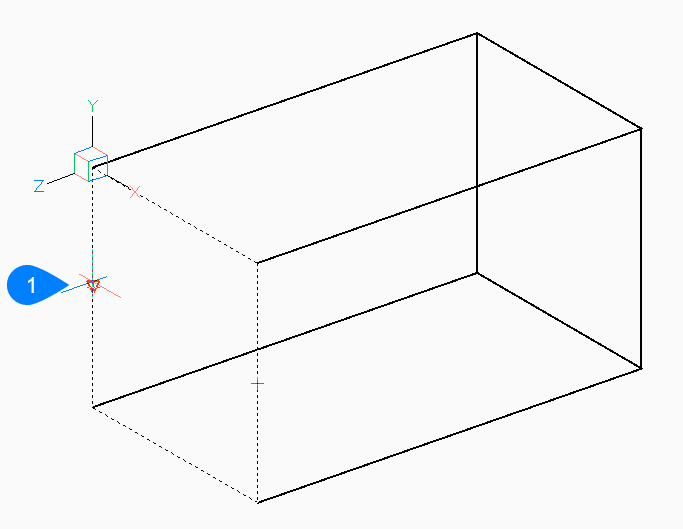
- Midpoint 3D entity snap.
3D Center of Face
Enables the cursor to snap to the geometric center of a face.
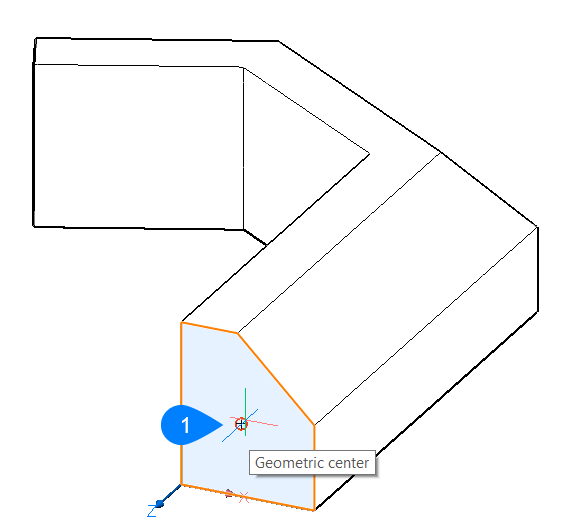
- Center of a face entity snap.
3D Knot
Enables the cursor to snap to knots on splines.
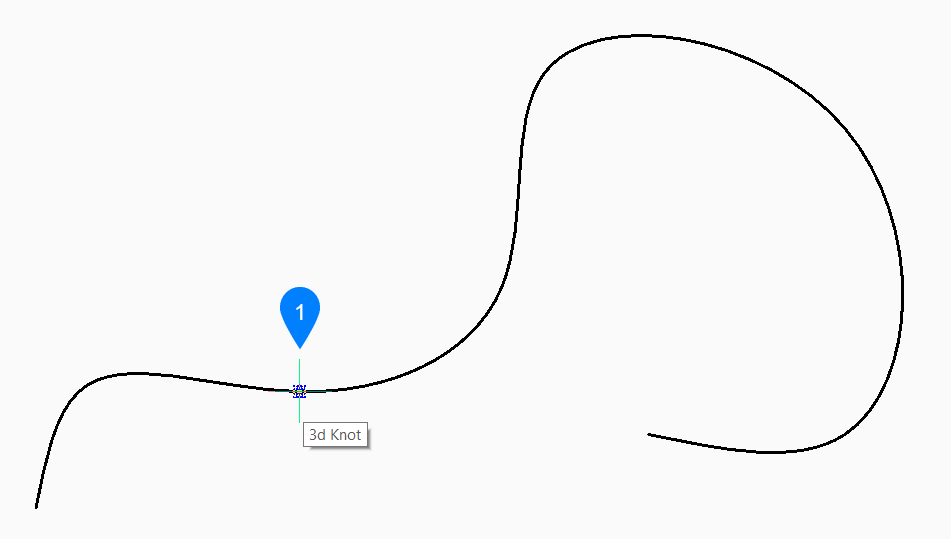
- Knot 3D entity snap.
3D Perpendicular on Face
Enables the cursor to snap to a point perpendicular to a face.
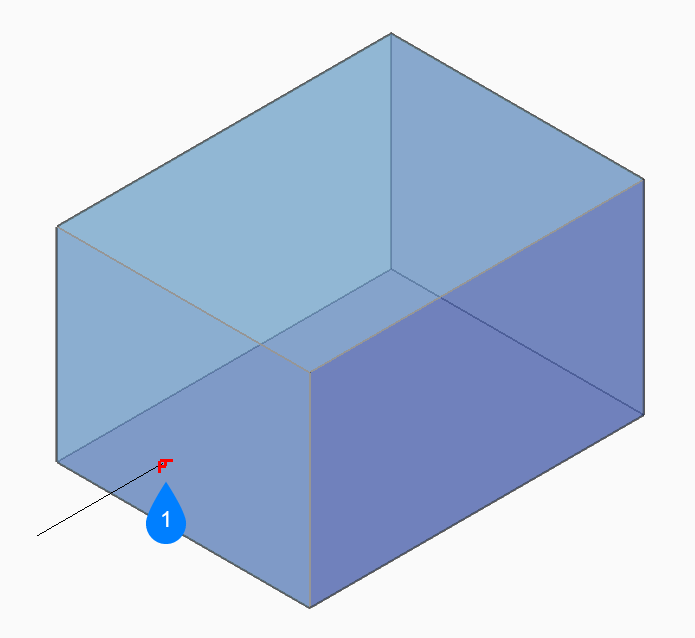
- Perpendicular to a face entity snap.
3D Nearest
Enables the cursor to snap to a point on a 3D entity that is nearest to the cursor.
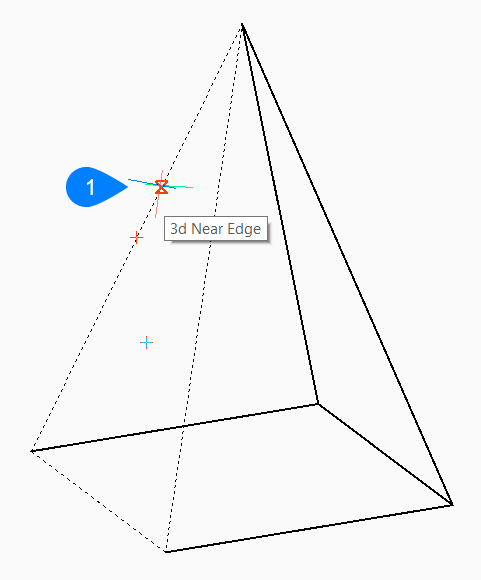
- Nearest 3D entity snap.
3D Intersection
Enables the cursor to snap to the intersection of faces with linear entities, including lines, polyline segments, 3D edges, polar tracking lines, and entity snap tracking lines.
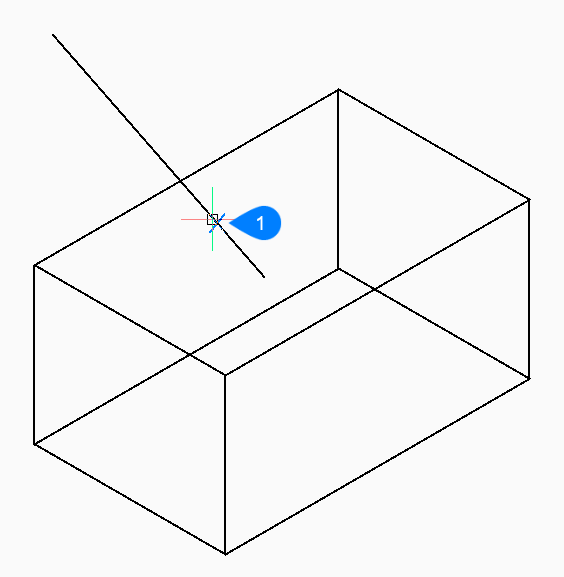
- 3D intersection entity snap.
Point Clouds
Nearest Point
Enables the cursor to snap to the point clouds nearest point (PCNEAREST command).
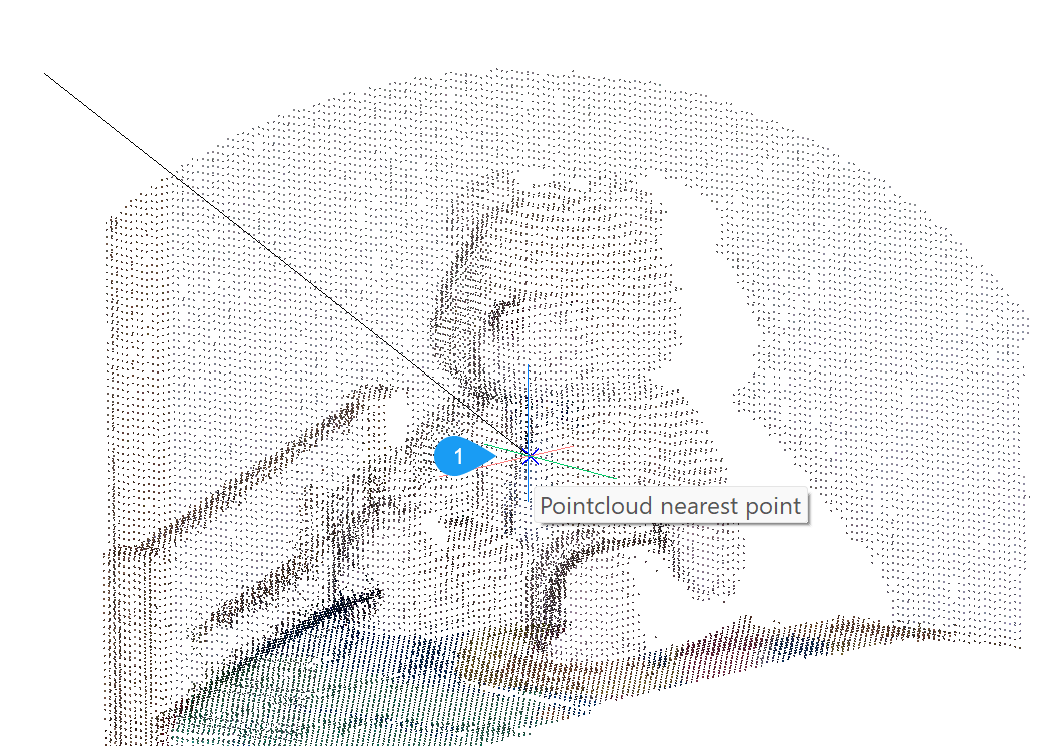
- Point cloud nearest point entity snap.
Corner
Enables the cursor to snap to point cloud corner (PCCORNER command).
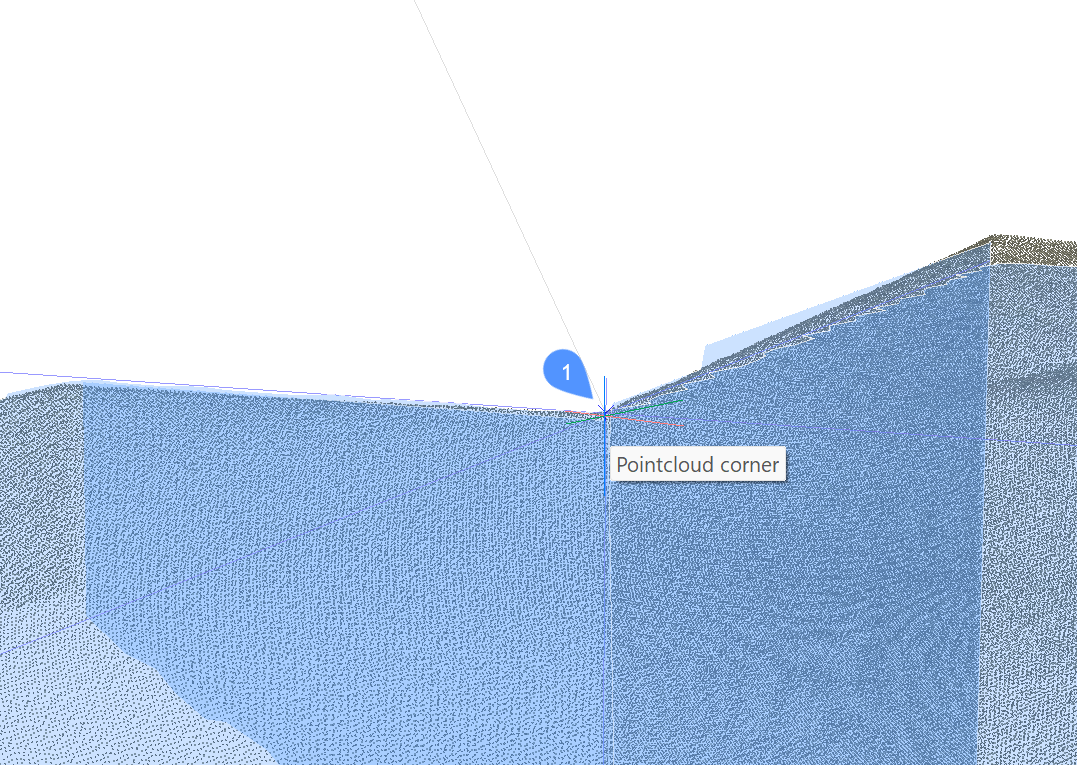
- Point cloud corner entity snap.
Nearest to Edge
Enables the cursor to snap to nearest point cloud edge (PCEDGE command).
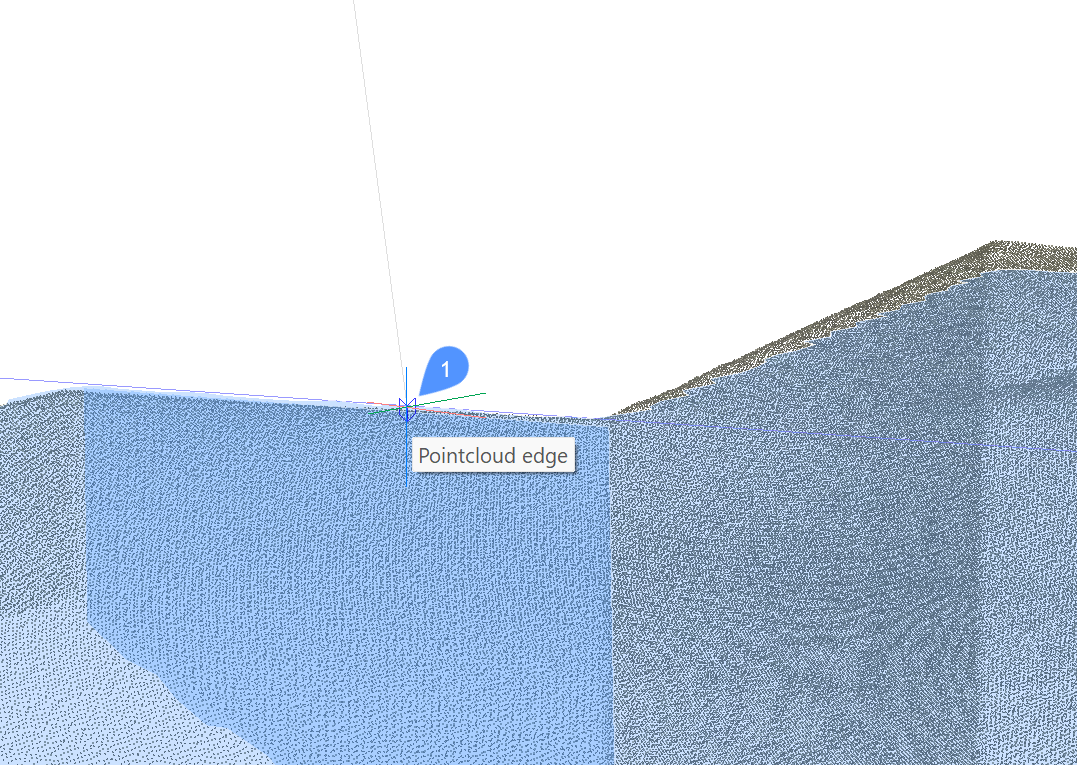
- Point cloud nearest to edge entity snap.
Nearest to Plane
Enables the cursor to snap to nearest point cloud plane (PCNEARPLANE command).
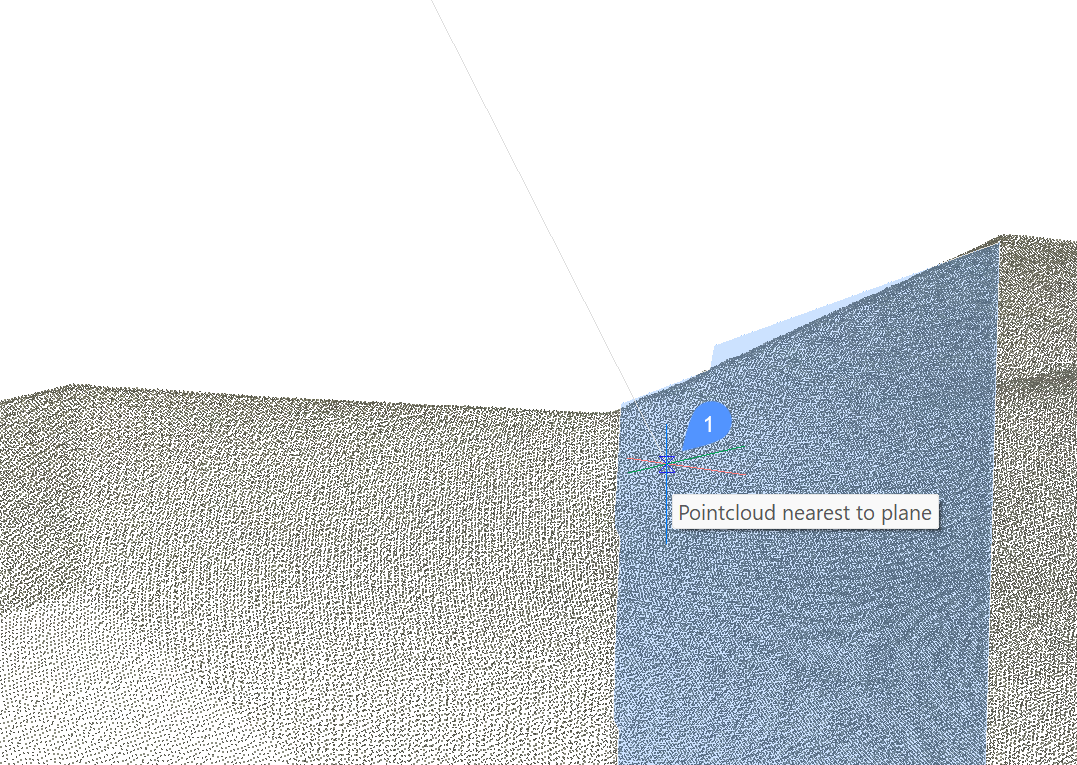
- Point cloud nearest to plane entity snap.
Perpendicular to Edge
Enables the cursor to snap line end to be perpendicular to point cloud edge (PCPERPEDGE command).
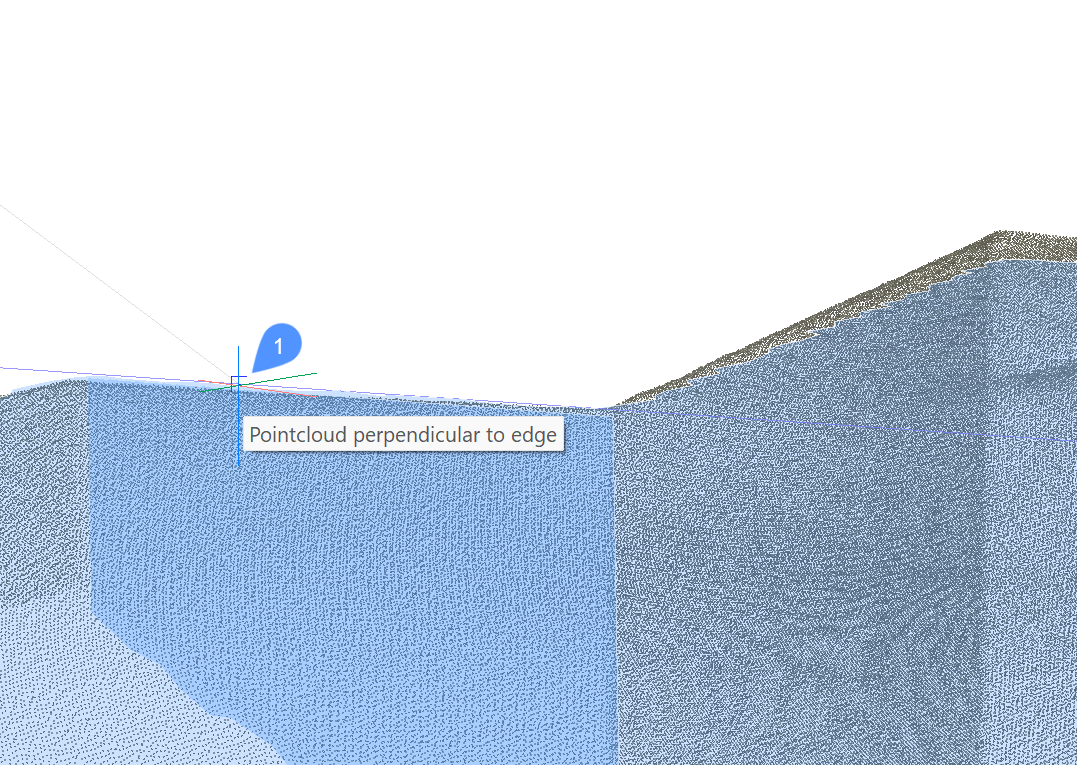
- Point cloud perpendicular to edge entity snap.
Perpendicular to Plane
Enables the cursor to snap line end to be perpendicular to point cloud plane (PCPERPPLANE command).
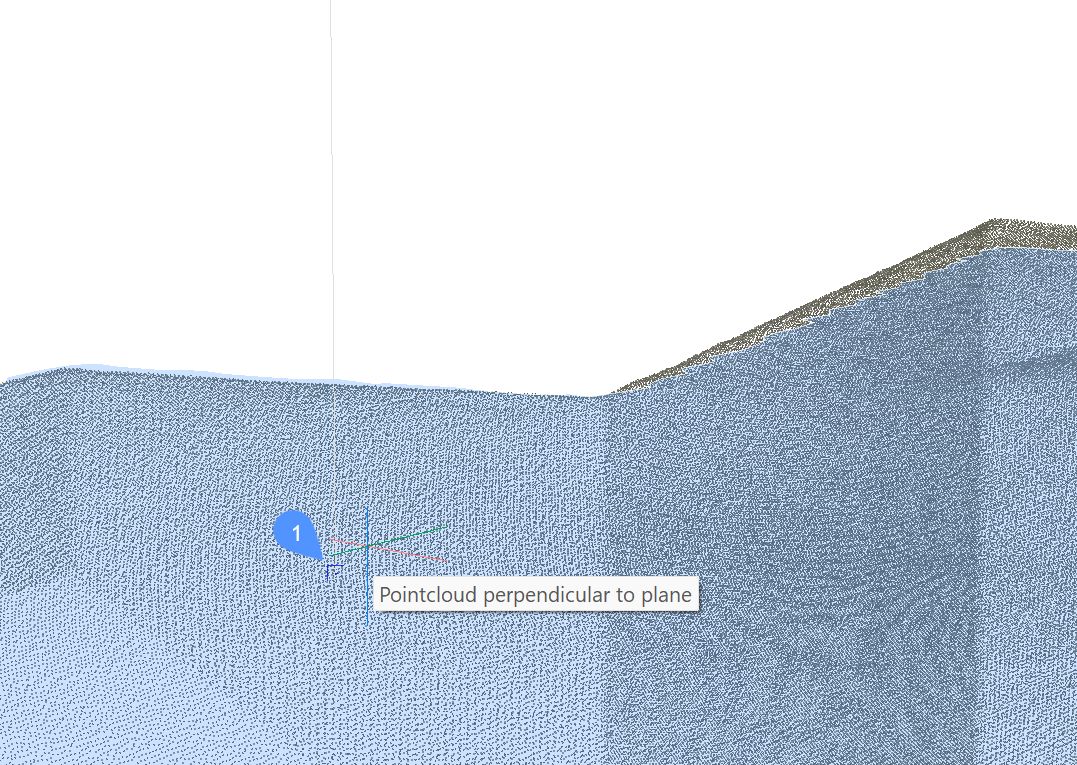
- Point cloud perpendicular to plane entity snap.