
Tool Properties dialog box
Opens via: Tool Palettes panel
The Tool Properties dialog box modifies the properties of the selected tool.
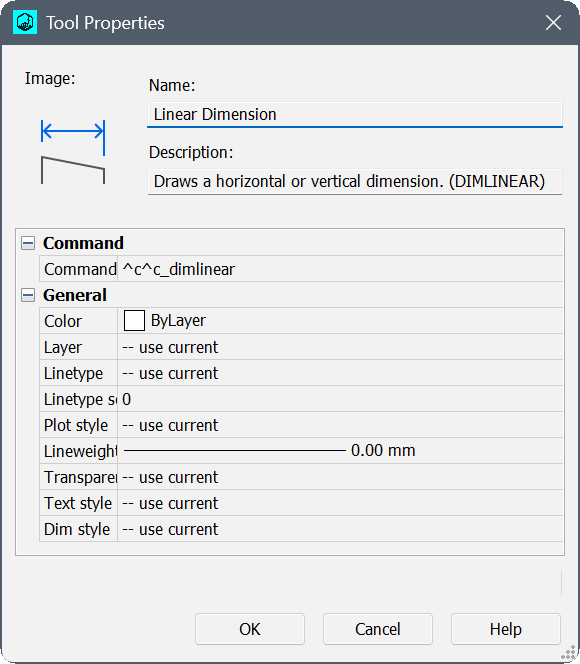
Image
Displays the image of the selected tool.
Name
Specifies the name of the selected tool.
Description
Specifies the description of the selected tool.
Command String
Sets the macro to run when clicking the icon in the Tool Palettes panel. You may use any macro characters used for menus and toolbar buttons.
General
Sets the properties of the selected tool.