
View options dialog box
Opens via: Tool Palettes panel
The View options dialog box customizes how tools are displayed in the Tool Palettes panel.
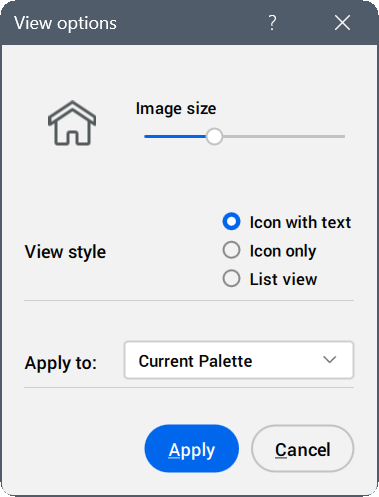
Image size
Sets the size of the displayed icons using the slider.
View style
Specifies how the tools are shown in the palette.
- Icon with text
- Displays the tools in a grid view with their icon and name.
- Icon only
- Displays tools in a grid view with only their icon.
- List view
- Displays tools in a list view, displaying each icon alongside its name.
Apply to
Defines the palettes affected by the changes.
- Current Palette
- Applies the changes to the current palette.
- All Palettes
- Applies the changes to all palettes.