
Proxy settings for a single-user license
Configuring the proxy settings
Note: The proxy settings configuration remains active for the current BricsCAD session only. If you need to reactivate or deactivate a license in a future session, you will have to reconfigure the proxy settings.
To configure the proxy settings complete the necessary fields in the dialog box.
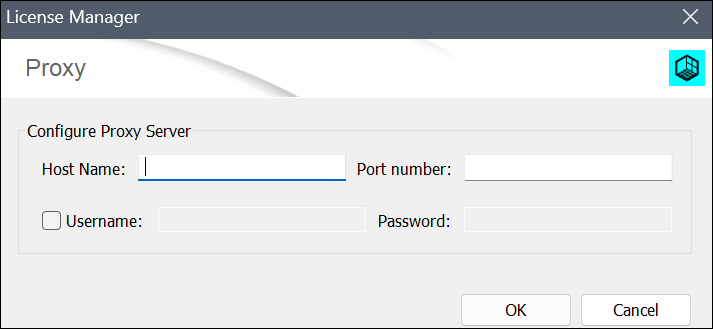
The proxy server is configurable from the:
- The Proxy settings section in the Settings dialog box.
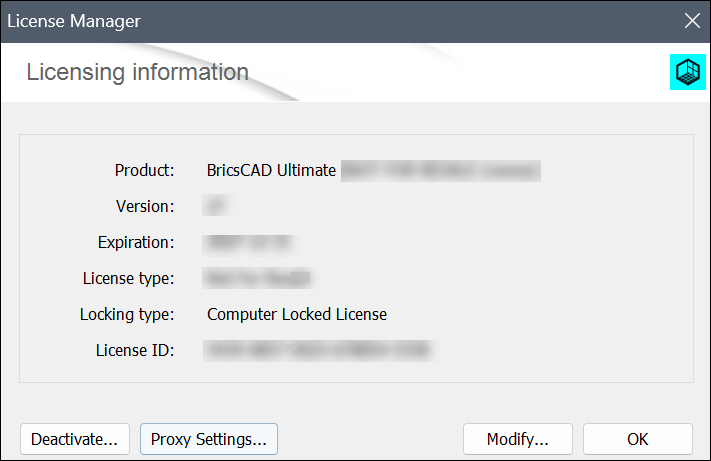
- The Proxy Settings... button in the dialog box.
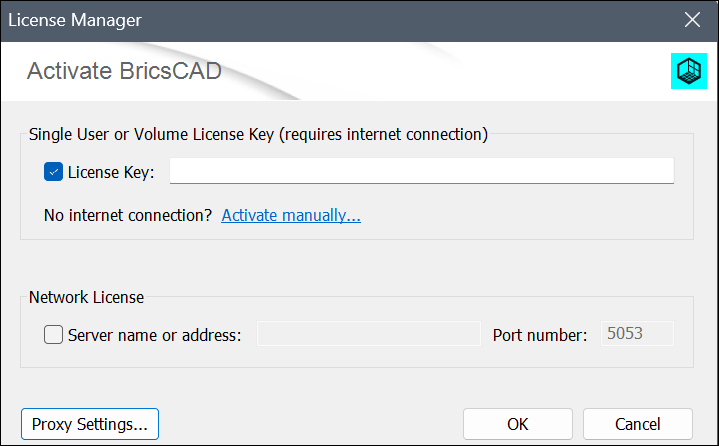
- The Proxy Settings... button in the dialog box.
Configuring the proxy settings permanently
For multiple license activations, deactivations, reactivations or license updates, BricsCAD must connect to the Internet for each licensing operation.
To configure the proxy settings permanently, proceed as follows on the computer running BricsCAD:
- Create the HTTP_PROXY variable:
HTTP_PROXY=[ProxyServerHostName]:[PortNumber]. - (Optional) If the proxy server supports basic authentication, create the HTTP_PROXY_CREDENTIALS variable:
HTTP_PROXY_CREDENTIALS=[UserName]:[Password].