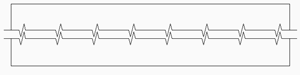
VIEWBREAK command
Generates a broken view from a view created with the VIEWBASE command.

Icon: 
Note:
- This command is only available in Paper Space.
- This command can be entered transparently during commands. (‘viewbreak)
Method
Select the drawing view from which to generate the broken view by clicking inside the view. Select the first and second points to define the first and the second cut planes.
The default symbol direction is based on the size of the viewport.
- Vertical if the viewport is wider than it is high.
- Horizontal if the viewport is higher than it is wide.
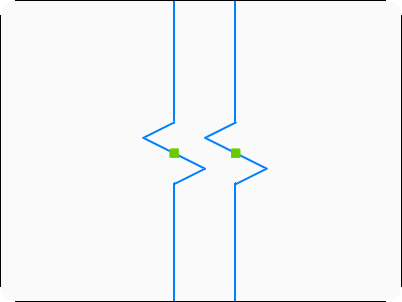
You can edit a Broken Symbol grips after placement by clicking it and selecting one of the two grip points, then placing it at another location.
Options within the command
- Type
- Defines the Broken Symbol type.
- sTraight
- Sets the Broken Symbol type to a straight line.
-
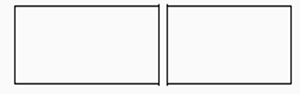
- Spline
- Sets the Broken Symbol type to a spline curve.
-
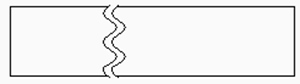
- Zigzag
- Sets the Broken Symbol type to a zigzag line.
-
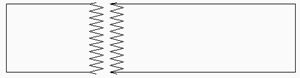
- sMall zigzag
- Sets the Broken Symbol type to a small zigzag line.
-
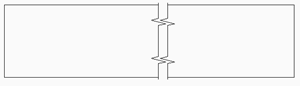
- Current
- Sets the symbol type to the currently selected type in the View Break Styles category of the Drawing Explorer dialog box.
Note: The properties of the symbol can be edited in both the Drawing Explorer dialog box and the Properties panel. See the VIEWBREAKSTYLE command article for more information.
- Vertical
- Aligns the symbol along the Y axis.
-
- Horizontal
- Aligns the symbol along the X axis.
-