
Insertion Cycling Order dialog box
Opens via: BCYCLEORDER command
The Insertion Cycling Order dialog box defines the cycling order of grips used as insertion points for a dynamic block definition.
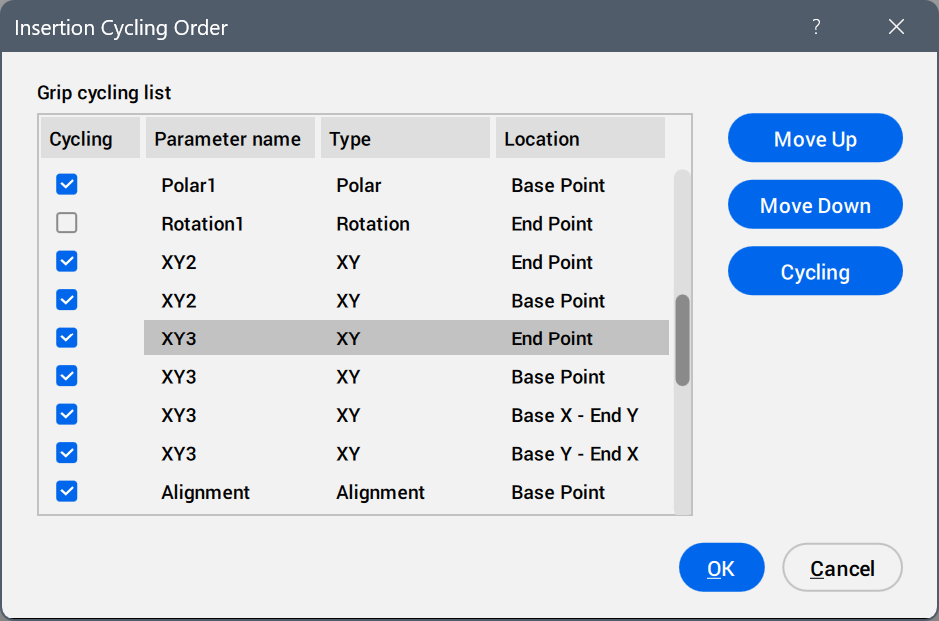
- Grip cycling list
- Displays all available parameter grips in the current cycling order.
- Move Up
- Moves the parameter grip up one position in the list.
- Move Down
- Moves the parameter grip down one position in the list.
- Cycling
- Selects or deselects the Cycling check box for the selected parameters to make these available or unavailable as insertion points.Note: You can use the Shift and Ctrl keys to create a multiple selection.
- OK
- Saves the changes.
- Cancel
- Discards the changes.